File Association Fixer – Easily Fix/Restore File Associations in Windows

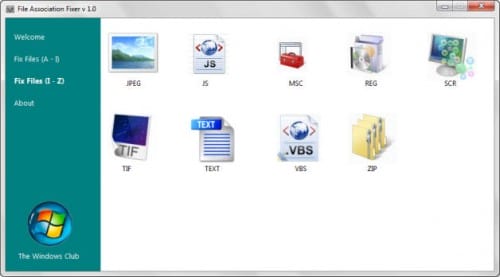
File associations in Windows can get jeopardized either due to a corrupted registry or a malicious virus attack. The latter can also cause further problems like disabled system tools and file associations so that it becomes harder to spot and remove the virus or malicious software from the PC. File Association Fixer is a free portable software for the Windows operating system that can easily fix the broken file associations. File association basically links a file type, like .jpg or .txt, to a program so that when a file with the particular file type is executed, it is opened in the default program set. [Read more...]

How To Run Check Disk from Windows Explorer to Check for and fix Disk Errors [Quick Tip]

It is always recommended to periodically use the Check Disk tool to check the integrity of disks. Check Disk is a very powerful tool, it examines disks and can even correct many types of common errors on FAT, FAT32, and NTFS drives. Check Disk can’t repair corrupted data within files that seem to be structurally intact. You can run Check Disk from the command line or through a graphical interface. This article will show you how to use Check Disk using the later. [Read more...]

GodMode Creator for Windows 7 and Vista Released

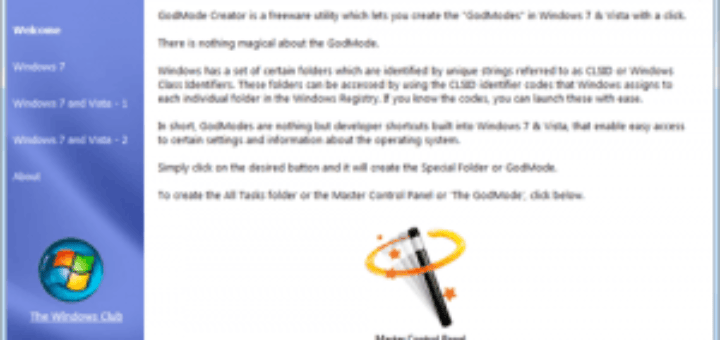
There have been a lot of buzz about Windows 7 GodMode in the “webosphere” in the last few days. Be it popular news sites or tech websites, everyone was having something or the other to say about the “GodMode“. If you missed the news, FYI, the so-called GodMode trick of Windows 7 is an old trick present from the Windows Vista time. Basically, Windows 7′s so-called GodMode is actually a shortcut to accessing the operating system’s various control settings, originally meant for the use of the developers. [Read more...]

Use Quick Restore Maker to Create a System Restore Point in 1-click

The Windows Club has launched a very useful tool named as Quick Restore Maker. As the name suggests the main function of this utility is to create a system restore point by just clicking a button in Windows Vista and Windows 7.

quick-restore-maker [Read more...]

Troubleshoot Windows Blue Screen of Death

The most frustrating experience while using Windows is the random restarts in case of any errors. It gets bad when we don’t even get any chance to see or verify whats wrong and troubleshoot Windows. Windows Blue Screen of Death (BSOD) displays some information regarding the cause of these random reboots but since Windows is configured to restart automatically in case of a BSOD we can’t view the error message. Here’s a simple tip to disable automatic restart in case of a BSOD and help troubleshoot the error. This tip can be used for all versions of Windows XP and above.

advanced-settings
[Read more...]