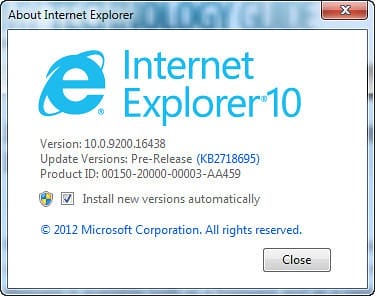
If you notice Internet Explorer issues like cannot IE cannot open any website, or browsing through IE is consistently slower than normal even when Internet connection is good, or a recent malware infection has messed up your Internet Explorer settings.
Does IE often stops responding, or stops working? Do you receive error messages that show that Internet Explorer has “encountered a problem and needs to close“? Or that a Visual C++ “runtime error” has occurred in Iexplore.exe? It’s time to reset your Internet Explorer to its default settings.
After the release of Internet Explorer 7, Microsoft has introduced a single-button reset function for IE which can still be found in IE 9. If that reset button is clicked, it resets IE to Windows or manufacturer’s defaults. [Read more...]