Microsoft released Windows 7 Service Pack 1 (SP1) in February 2011. Now, Microsoft has made available Windows 7 ISO images integrated with SP1.
Earlier, we have provided official DigitalRiver direct download links of Windows 7. But, you had to download and run Service Pack 1 separately (or through Windows Updates) to update your Windows 7. If you want to slipstream SP1 into Windows 7 installation DVD, so that when you reinstall Windows 7, you don’t need to again download SP1 separately, you can now stop searching. You can now download Official Windows 7 SP1 integrated ISO images directly from Digital River Servers, who are the official partners of Microsoft for distributing Windows 7.
Downloading the files from Digital River is absolutely legal and free as Microsoft uses them as an official download channel. However, without obtaining a legally obtained product key, you will be able to run Windows 7 installation for 30 days. After 30 days, Windows 7 needs to be activated, or the evaluation grace period be reset. If you already own a key, you can activate the ISO you will download from Digital River. [Read more...]


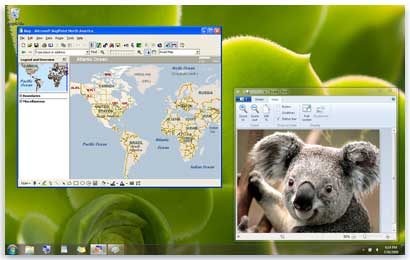
Windows XP Mode is freely available for Windows 7 Professional, Ultimate and Enterprise users. It allows you to run legacy applications inside a Windows XP virtual machine running in the background. Windows XP Mode was primarily designed to help businesses move from Windows XP to Windows 7. Almost all programs that are compatible with Windows Vista and a majority of Windows XP programs, run well in Windows 7. But, if a program doesn’t run properly even after trying the Program Compatibility troubleshooter, you can run the program in Windows XP Mode.